
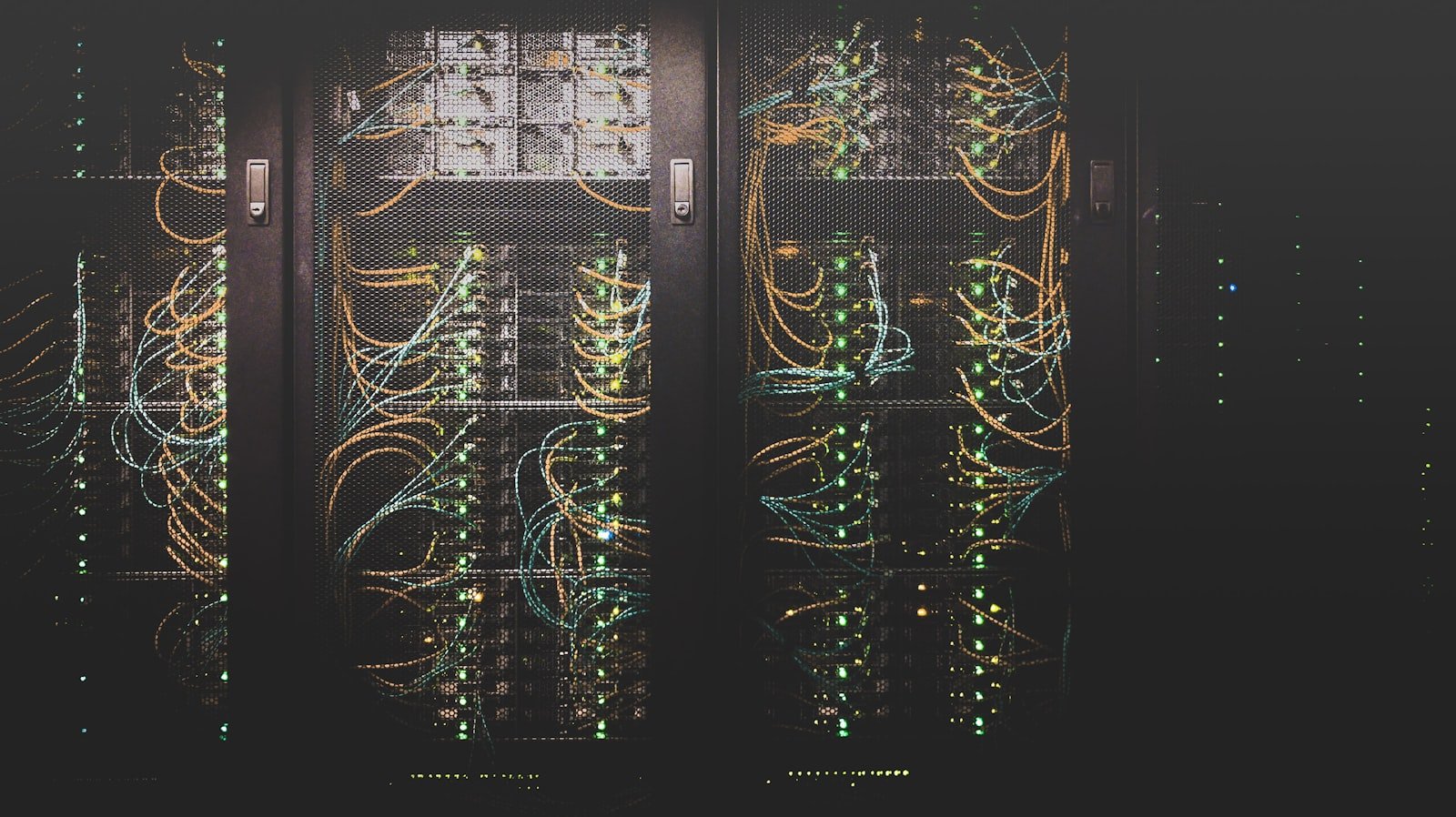

I’ve been quietly building something for the last couple of years that has slowly eaten every other subscription, cloud app, and “smart” service in my house: a single self-hosted server I call OneHub. It runs 23 Docker containers, it’s the long-term memory for every AI assistant I use, and—the part I’m most excited about—it now runs a custom app that tracks my daughter’s health data and lets an AI analyze it without a single byte leaving my own hardware.
This post is a tour of what’s actually running on OneHub, a deep dive into that app (I call it Mia Tracker), and an honest question for you at the end: should I turn this into an open-source GitHub project?
The philosophy: own your data, then let AI analyze it
The big tech bargain of the last decade was simple: give us your data and we’ll give you convenience. Your notes, your photos, your home automation, your baby’s sleep logs—all of it living on someone else’s server, mined for ads, and one acquisition away from disappearing.
I wanted the opposite deal. I wanted modern AI convenience—natural-language questions, pattern analysis, image recognition—without giving up ownership of the data. It turns out that in 2026, with Docker and a decent mini-PC, you can genuinely have both. That’s the whole thesis behind OneHub.
What actually runs on OneHub
OneHub is one machine running everything as Docker containers, updated automatically and monitored end-to-end. If you’re new to this world, my Getting Started with Docker guide is the place to begin. Here’s the current stack, grouped by what it does:
| Purpose | Containers |
|---|---|
| AI & automation | mcp-gateway (one MCP endpoint that connects any AI client to my tools), ollama for local LLMs, plus a claude-agent broker and claude-box for headless Claude runs |
| Knowledge & secrets | trilium (my cross-session AI memory / notes hub) and vaultwarden (self-hosted password vault—secrets live here, never in notes) |
| Home & IoT | homeassistant, mosquitto (MQTT), zwavejs, and ring-mqtt tying my sensors and cameras together |
| The Mia project | mia-app (custom Next.js front-end), mia-db (PostgreSQL 16), babybuddy, and ntfy for push notifications |
| Networking & access | cloudflared (zero-open-port tunnel), nginx-proxy-manager, adguardhome + unbound for private DNS, and guacamole for browser-based remote access |
| Ops & monitoring | watchtower (auto-updates), uptime-kuma, and a Google Workspace MCP bridge |
The glue is the MCP gateway. Whether I’m in Claude, a local model on Ollama, or something else, they all connect to the same hub and get the same tools—search, my notes, my calendar, my servers. If you want to understand why this pattern is such a big deal, I wrote a whole guide on AI agents and the MCP toolkit. And because the whole thing is worthless if it silently dies, Uptime Kuma watches every service.
Mia Tracker: the app that started as “surely there’s an app for this”
When you have a newborn, you are suddenly drowning in data: feeds, diapers, sleep, weight, temperature, milestones, vaccine schedules, doctor appointments. There are plenty of commercial apps for this—but every one of them wants that data on their cloud, and a baby’s health record is about the most personal data set that exists.
So I built my own. Mia Tracker is a Next.js progressive web app sitting on top of BabyBuddy (an excellent open-source tracker) with its own PostgreSQL database for everything BabyBuddy doesn’t do. A quick tour of what it does today:
- Growth percentiles done right — weight/length/head-circumference charts computed against the official WHO LMS growth standards, rendered with Recharts. The same math your pediatrician uses.
- Sleep, feeds & diapers — quick-log tiles, a live “next feed” countdown, and daily summaries pulled from BabyBuddy’s API.
- A calm “is she getting enough?” view — a deliberately non-AI, deterministic reassurance panel built from feed and diaper counts and steady weight gain. It never alarms, and it’s clear that the scale at checkups is the real measure. Educational, not medical advice.
- Climate awareness — nursery temperature and humidity pulled straight from Home Assistant sensors, alongside tiles for a Nanit monitor and a Hatch sound machine.
- Smart reminders & predictions — self-hosted push notifications via
ntfyfor the next feed, upcoming vaccines, and appointments.
The AI part—and why it stays on the box
Here’s the piece I care about most. Mia Tracker has an “Ask” page: a chat box where I can ask plain-English questions about my daughter’s data—”how did her sleep this week compare to last?”, “is her weight tracking on the same percentile?”—and get a real answer grounded in the actual logs. It can even take a photo (say, of a rash) and describe what it sees.
The important detail: that analysis is done by a Claude instance running in a container on OneHub itself. The app hands the request to a small local broker, which runs Claude headlessly on the same machine and hands back the answer. The data never leaves my hardware to get analyzed. No third-party baby-app cloud, no data broker, no terms-of-service that quietly change next year. My data, analyzed by AI, on my box.
That, to me, is the future worth building toward: you shouldn’t have to choose between “keep your data private” and “use powerful AI on it.” Self-hosting is how you get both.
So here’s my question for you
I keep going back and forth on whether to clean this up and release Mia Tracker as an open-source project on GitHub—a Dockerized stack you could drop onto your own server, point at your own BabyBuddy, plug in your own AI, and own every byte.
Before I sink the weekends into documentation, a proper installer, and making it configurable for other people’s setups, I genuinely want to know what you think:
- Would you actually use this? A self-hosted, AI-assisted baby/health tracker where the data stays yours—is that something you’d run?
- Is the “own your data + local AI analysis” pattern useful beyond babies? Pets, fitness, chronic-illness tracking, elderly care—where else does this matter to you?
- What would make it a no-brainer to adopt? One-command Docker deploy? Bring-your-own-AI (Claude, local Ollama, OpenAI)? A hosted “easy mode”?
Drop a comment below and let me know. If there’s real interest, the repo goes up. If everyone thinks it’s overkill—well, at least Mia has the best-documented baby data on the internet that nobody else can see. That’s kind of the point.
— Alex


Leave a Reply